
Introducing mindec's New Feature: AI Cover Image Generator (From a Style & From Photos)
Created 10/23/2026Edited 10/23/2026
- mindec.dev
- cover-image
- New Features

Contents (6)
The cover image at the top of a Dec establishes the first visual impression of a document. Users no longer need to rely on external graphic design software or spend time searching for stock photos. With the new AI cover image generator, users can easily create tailored, visually striking cover images directly inside mindec.
This update introduces two creation modes: From a style, which renders original illustrations using text prompts and curated artistic styles, and From photos, which combines user-selected photographs with pre-designed layout templates and typography. This article outlines the key capabilities and workflows of both modes.
1. Getting Started with Cover Image Creation
Users can launch the cover creation tool directly from the top header of any Dec. Clicking the Create cover image button located right below the Dec title opens the configuration panel.

The Create cover image button positioned beneath the Dec title
Even when a document has no existing cover image, users can activate the setup drawer with a single click and begin designing immediately.
2. Mode 1: Generating from AI Styles and Prompts (From a Style)
When users want to create an entirely original cover image from an idea or topic, the From a style tab provides full generative capabilities. This mode offers multiple art styles, aspect ratio controls, and intelligent prompt assistance.

Configuration drawer showing style presets, aspect ratio selectors, and the prompt input field
Key Configuration Options
- Artistic styles (Style): Over nine distinct visual styles are available, including Abstract, Collage, Flat illustration, Watercolor, Pencil drawing, Oil painting, Photo, Animation, and 3D render.
- Aspect ratio: Users can select
16:9for widescreen headers,4:3for standard layouts, or1:1for square compositions. - Prompt and context generation (Prompt): Users can describe their desired scene in the text box. Clicking the Write from content button prompts the AI to analyze the contents of the Dec and automatically craft a contextually relevant prompt.
Clicking the Generate button applies the selected art style and prompt, rendering a distinctive cover image directly across the top of the Dec.

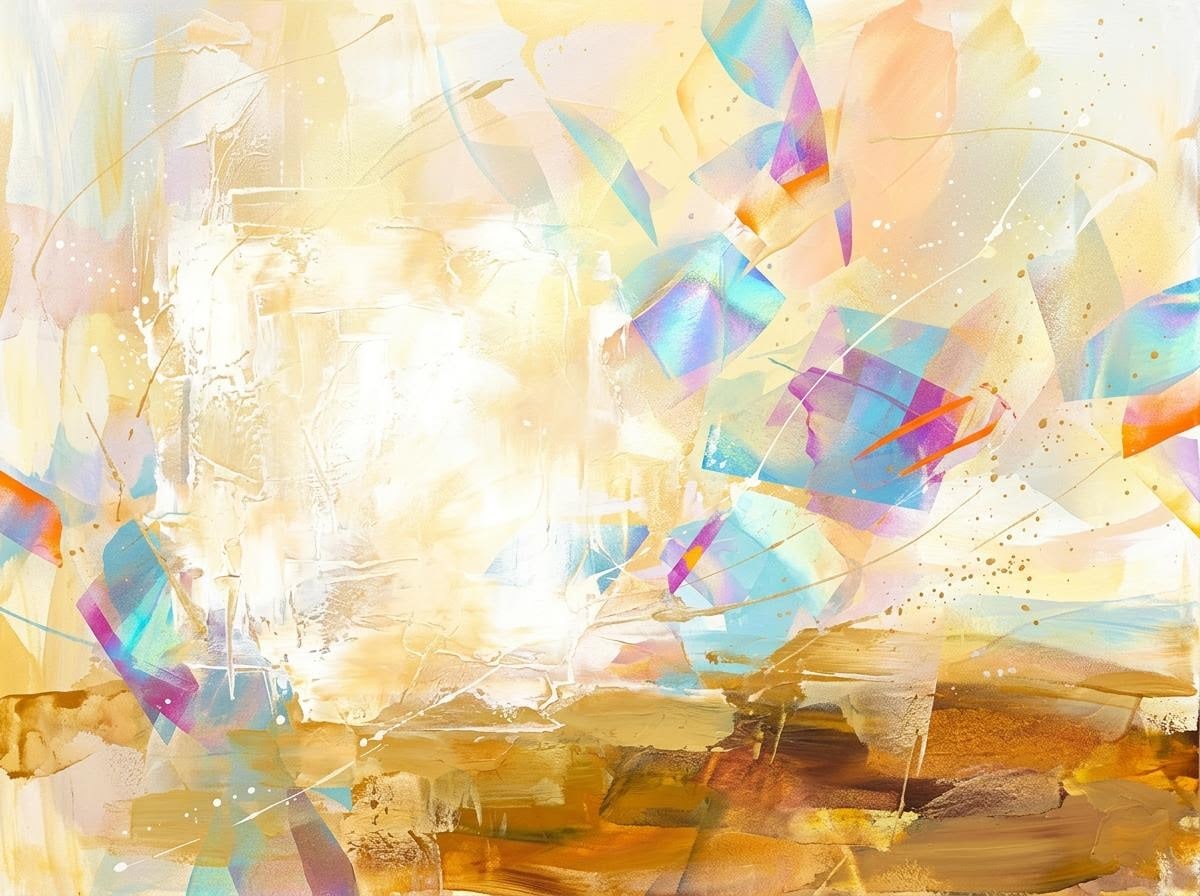
A Dec header featuring an abstract art cover image generated by AI
3. Mode 2: Creating from User Photos and Templates (From Photos)
If users already have photographs in their Dec or wish to use their own images, the From photos tab provides a magazine-style publishing workflow. This mode applies professional layout templates, typography overlays, and graphic treatments onto user photos.

Template selection gallery, photo picker, aspect ratios, and text recommendation tools
Key Configuration Options
- Design templates (Template): Presets range from single-photo focus layouts to magazine typographic designs and multi-photo collage grids with 3, 6, or 9 slots. Users can also select Upload my template to import custom designs.
- Photo selection (Photos): Users can select images from the photos attached to the Dec or uploaded to the document. The system displays recommended photo counts to ensure images align with the chosen template layout.
- Extended aspect ratios: In addition to horizontal and square formats (
16:9,4:3,1:1), vertical options including3:4and9:16are available for mobile reading and social media sharing. - Text and typography (Text): Users can enter custom titles and subtitles to overlay onto the cover image. Clicking the Suggest text button automatically generates cohesive headline copy based on the theme of the Dec.
Upon completion, the selected photographs are merged with the chosen typographic template, producing an editorial-quality cover header.

Completed cover image displaying integrated typography and photography in the Dec header
Create a Custom Cover Image Today
Enhance the visual clarity and presentation of your curated knowledge. With mindec's new AI cover image creation features, you can elevate your Dec with professional cover artwork in just a few clicks.